When I started seriously preparing for AWS certifications, I hit a familiar problem for anyone working in infrastructure: the volume of information isn’t the hard part — retention and structure are.
You can watch hours of training, build labs, and take pages of notes, but unless that information is continuously refined, it decays quickly. A few weeks later, the details blur: IAM evaluation logic, VPC routing behavior, the subtle differences between endpoint types — all of it starts to fade.
What I needed wasn’t more notes.
I needed a system that continuously refines knowledge as it is captured.
That’s what led me to combine Obsidian with an AI-assisted workflow using the Copilot plugin — turning my vault into a structured, evolving second brain.
The Core Idea: Notes Are Not Storage — They Are a Processing Pipeline#
Most people treat notes as static storage.
Mine are not.
My Obsidian vault is a knowledge pipeline:
- Capture raw information while learning
- Immediately refine and structure it using AI (inside Obsidian)
- Store it in a structured knowledge system
- Reinforce it using active recall (flashcards)
The key shift is this:
Notes are not the output of learning. They are the intermediate state of understanding.
My Obsidian Vault Structure#
I keep my structure intentionally simple. Complexity kills consistency.
Inbox (Raw Capture Layer)#
This is where everything starts.
While watching AWS courses or working through labs, I dump raw bullet-point notes here. They are intentionally unstructured:
- IAM explicit deny overrides allow
- SCP applies at account level
- Gateway endpoints free
- Interface endpoints cost money
- Route tables auto-create local route
These notes are messy by design. The goal is speed, not clarity.
Lab Notebooks (Processed Knowledge Layer)#
This is where raw notes get transformed.
Using the Copilot plugin inside Obsidian, I refine and restructure notes directly in-place — without ever copying or pasting content elsewhere.
This is important: I’m not exporting notes to an AI tool.
I’m editing them in context inside the vault.
The result is structured, explainable knowledge:
- Clear sections
- Expanded explanations
- Corrected inaccuracies
- AWS-specific behavior clarified
- Exam-relevant details surfaced
Reference (Evergreen Knowledge Layer)#
This is my long-term knowledge base.
It contains canonical concepts that get reused across notes:
- IAM
- VPC fundamentals
- Route tables
- Security groups
- Endpoint types
- S3 behavior
Each reference note is designed to be linked everywhere else in the vault.
Over time, this becomes a personal technical encyclopedia.
Architecture (Real-World Systems Layer)#
This is where theory meets implementation.
I document:
- AWS architectures I’ve built or studied
- Infrastructure patterns
- Deployment flows
- Network topology decisions
- Tradeoffs and design reasoning
This layer forces me to move beyond memorization into systems thinking.
Where AI Actually Fits in the Workflow#
The Copilot plugin inside Obsidian changes the workflow in a critical way:
I don’t leave my notes to use AI.
Instead, AI operates inside the note itself.
That means I can:
- Highlight a section of messy notes and ask it to restructure them
- Ask it to expand a concept in-place
- Fix unclear explanations without losing context
- Identify missing AWS concepts relevant to the current note
- Improve clarity without breaking the structure of the vault
This creates a tight feedback loop between thinking and refinement.
A raw section like:
- explicit deny wins
- SCP overrides IAM
- not sure why
Becomes:
IAM Evaluation Precedence#
In AWS IAM policy evaluation, an explicit Deny always overrides any Allow, regardless of where the permission is defined.
This applies across:
- Identity-based policies (IAM users/roles)
- Resource-based policies (S3, SQS, etc.)
- AWS Organizations SCPs
Even if an SCP or IAM policy allows an action, an explicit deny at any level will block it.
This is critical for troubleshooting access issues in real environments, where overlapping policies can create unexpected denials.
AI as a Knowledge Expander, Not a Knowledge Generator#
One of the most valuable uses of AI in this workflow is identifying missing context.
My raw notes often capture facts without explanation.
For example:
- Gateway endpoint free
- Interface endpoint costs money
These are correct, but incomplete.
Inside Obsidian, I can ask Copilot to expand this context, and it will surface:
- Architecture differences (Gateway vs Interface endpoints)
- Cost models (per-hour vs no charge)
- Service coverage limitations
- Routing behavior differences
- When each should be used in real architectures
The important distinction is that AI is not replacing learning — it is exposing gaps in understanding.
Flashcards: Converting Notes into Active Recall#
At the end of each study session, I generate flashcards directly from my refined notes using Copilot.
This step is critical because it converts passive understanding into retrieval practice.
I use multiple formats:
Fill-in-the-Blank#
Gateway Endpoints provide private access to ______ and DynamoDB.
Single Choice#
Which service evaluates SCPs?
A. IAM B. AWS Organizations C. CloudTrail D. Route 53
Multi-Select#
Which statements about Interface Endpoints are true? (Select all that apply)
Because the flashcards are generated from already-refined notes, they remain tightly aligned with what I actually studied that day.
This closes the loop:
Learn → Capture → Refine → Connect → Test
The Hard Part: AI Isn’t Trusted, It’s Verified#
There is a critical constraint in this system:
AI is not authoritative.
Two issues show up consistently:
1. Hallucinated Detail Expansion#
When asked to expand concepts, AI can introduce details that were never in the original material.
This is especially dangerous in certification study contexts, where precision matters.
To mitigate this, I treat AI output as:
Structured drafts, not truth sources
Everything is validated against AWS documentation or lab behavior.
2. Partial or Incomplete Refactoring#
When working with larger notes, AI sometimes fails to fully rewrite or restructure content cleanly.
This can lead to:
- Missing bullet points
- Skipped sections
- Inconsistent structure
Because of that, I always compare the original and refined versions before committing changes into my Lab Notebooks.
Why This System Works#
The real value isn’t Obsidian.
It isn’t AI.
It isn’t flashcards.
It’s the combination of all three into a continuous refinement loop.
Most learning systems stop at capture.
This system continues through:
- Structural refinement (AI-assisted editing inside context)
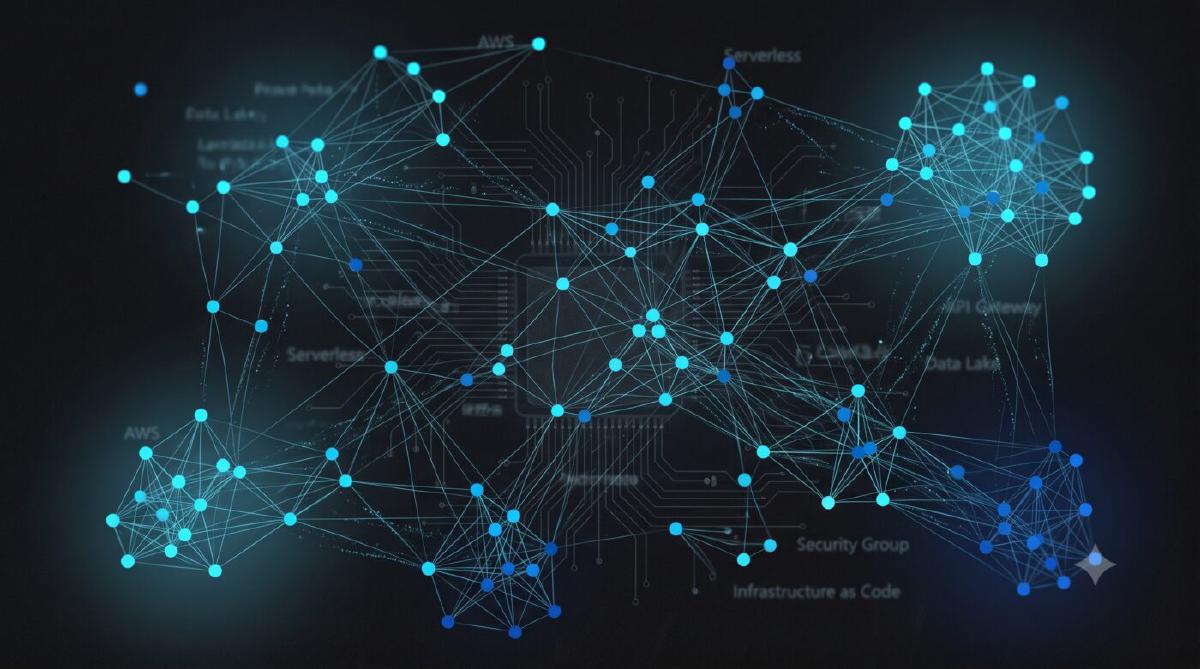
- Knowledge linking (Obsidian graph structure)
- Active recall (flashcards)
Over time, this builds something more valuable than notes:
A searchable, interconnected model of how you think about systems.
Final Thought#
AWS certifications are not difficult because of complexity alone.
They’re difficult because of volume and interdependency.
A system like this doesn’t reduce the complexity.
It organizes it into something that can be repeatedly processed, reinforced, and retrieved.
Years from now, I won’t remember every IAM edge case or networking nuance I studied.
But I won’t need to.
My second brain will already have done that work.